Tab 2: Targets
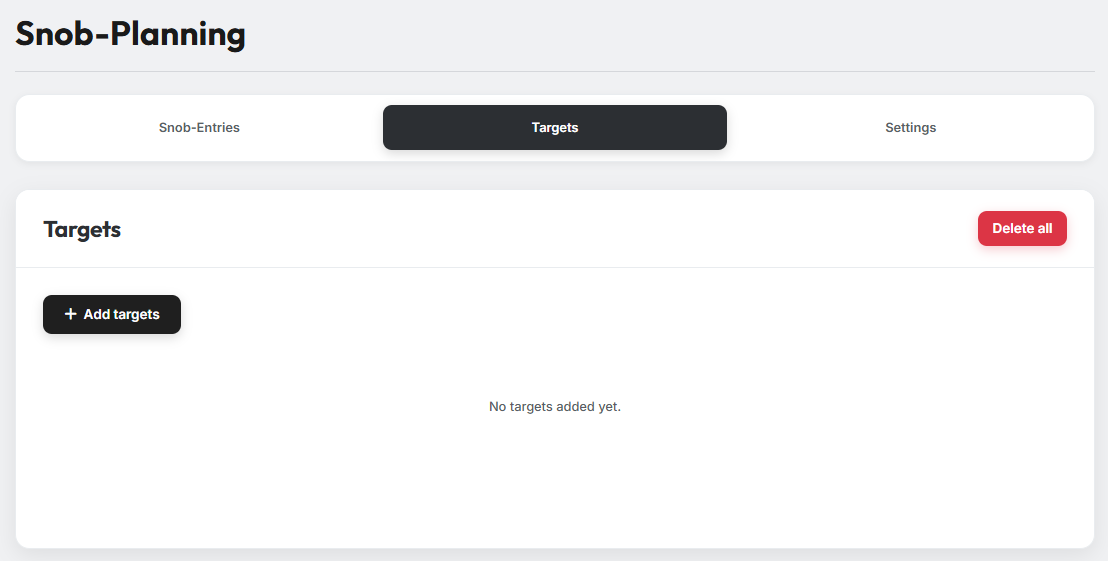
In Tab 2 you enter the villages you want to attack with your noblemen.
1. Adding targets
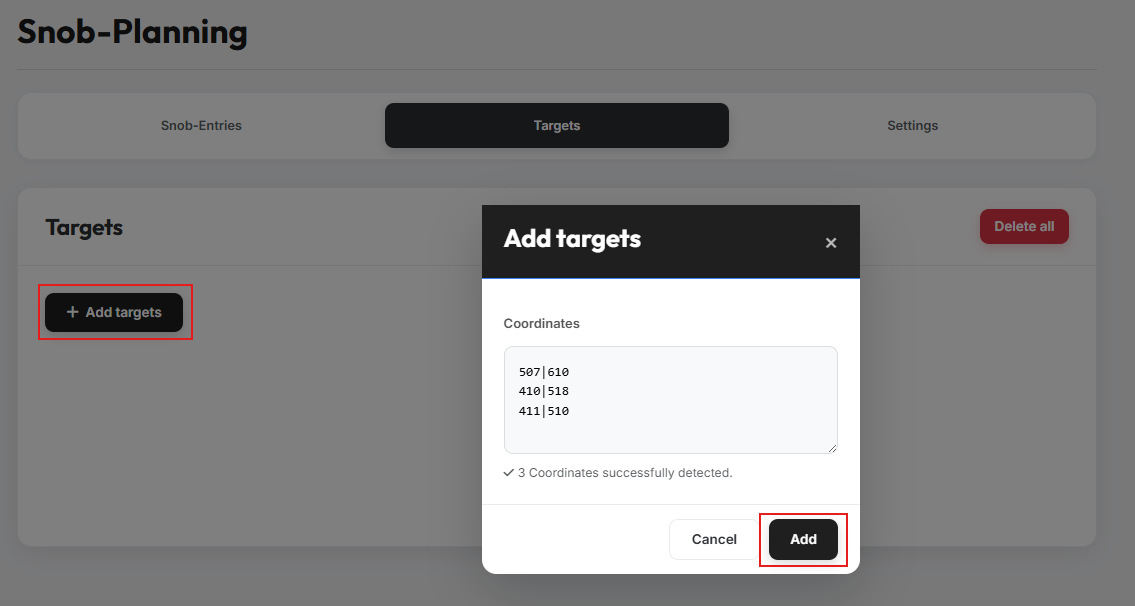
Clicking the "Add targets" button opens a modal. Paste the coordinates of the target villages there — any additional text between or next to the coordinates does not affect the detection. The tool shows you how many coordinates were detected. Confirm with "Add".
Repeated imports
You can repeat this process as often as you like to add more targets.
2. Targets overview
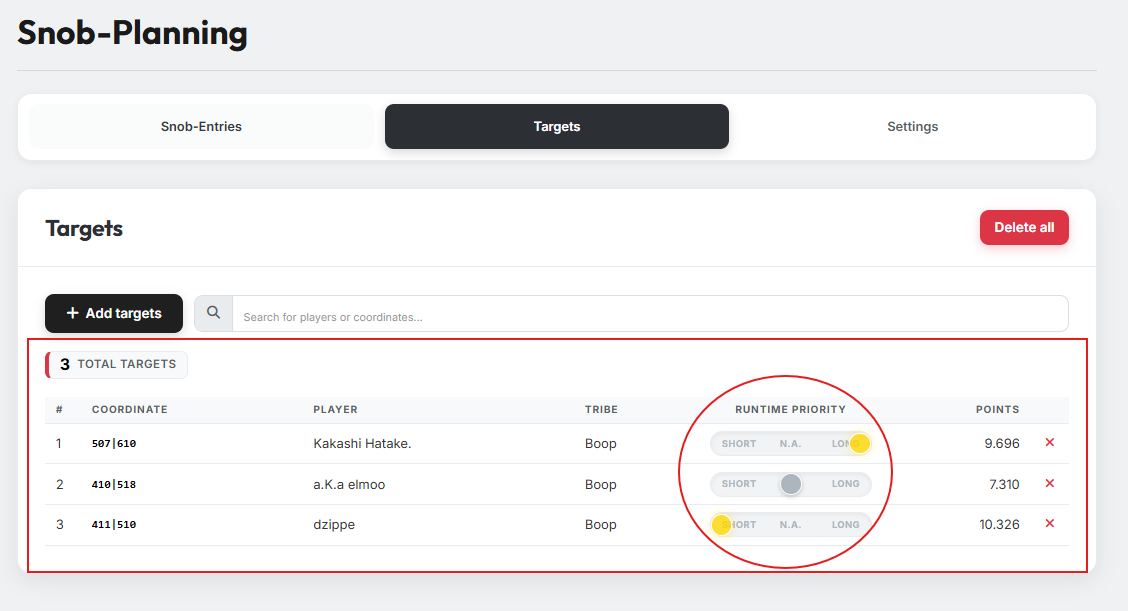
After adding, all targets are listed in a clear overview table. It contains the coordinate, the player and the tribe as well as the points of the village — and a slider for the Runtime Priority of each target.
3. Runtime Priority
Use the slider in the "Runtime Priority" column to define the runtime with which a target should be attacked. There are three possible settings:
- Short — The planner tries to achieve the shortest possible runtime on this target by choosing a source village as close to the target as possible. Short targets are planned first.
- Long — The planner tries to achieve the longest possible runtime on this target by choosing a source village as far away as possible. Long targets are planned after the Short targets.
- N. A. — No preference; the planner is free to choose the source village. These targets are planned last.