Tab 1: Snob-Entries
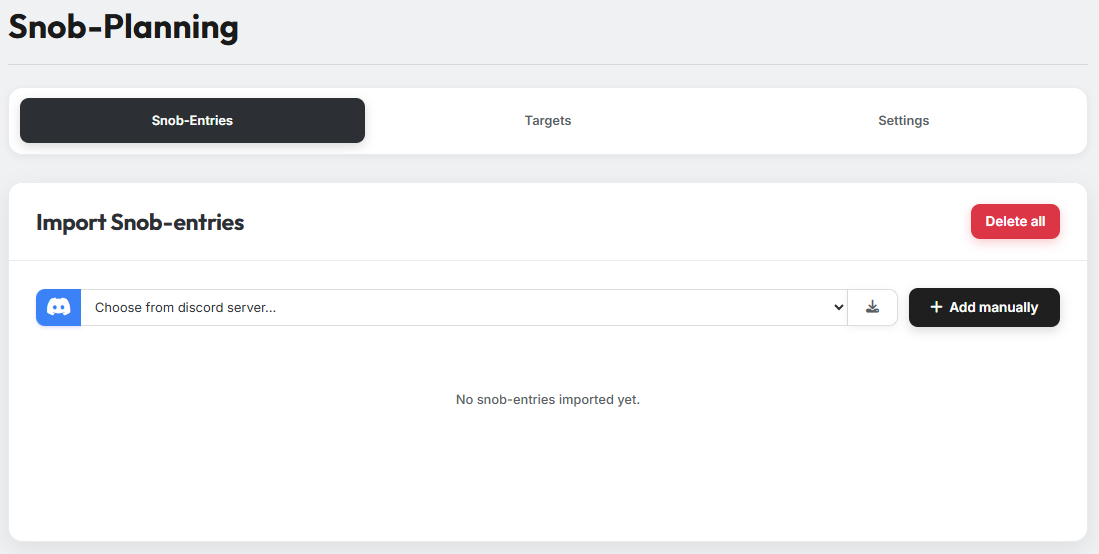
In Tab 1 you specify the noblemen you want to plan with.
There are two ways to import noblemen into the tool:
1. Import via the Discord bot
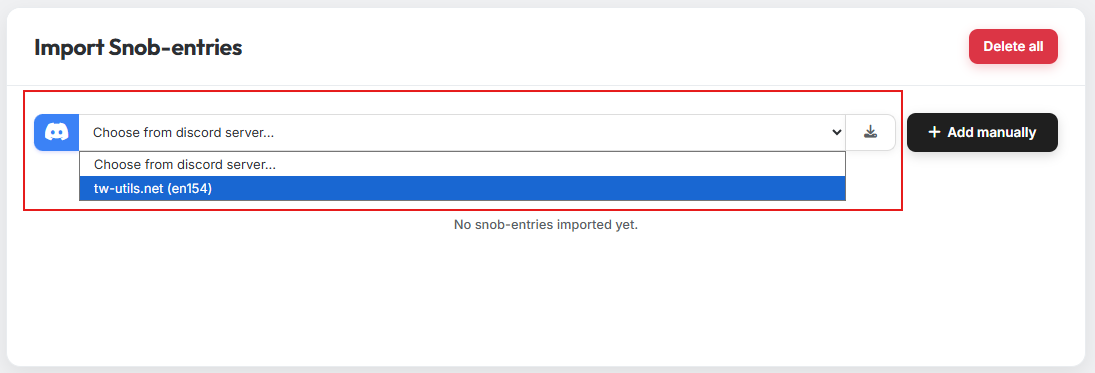
Select the appropriate Discord server and click the import button. The noblemen reported on the Discord server are then transferred to the tool automatically.
Multiple Discord servers
You can also import noblemen from several Discord servers. Just run the import one after another for each server.
2. Manual import
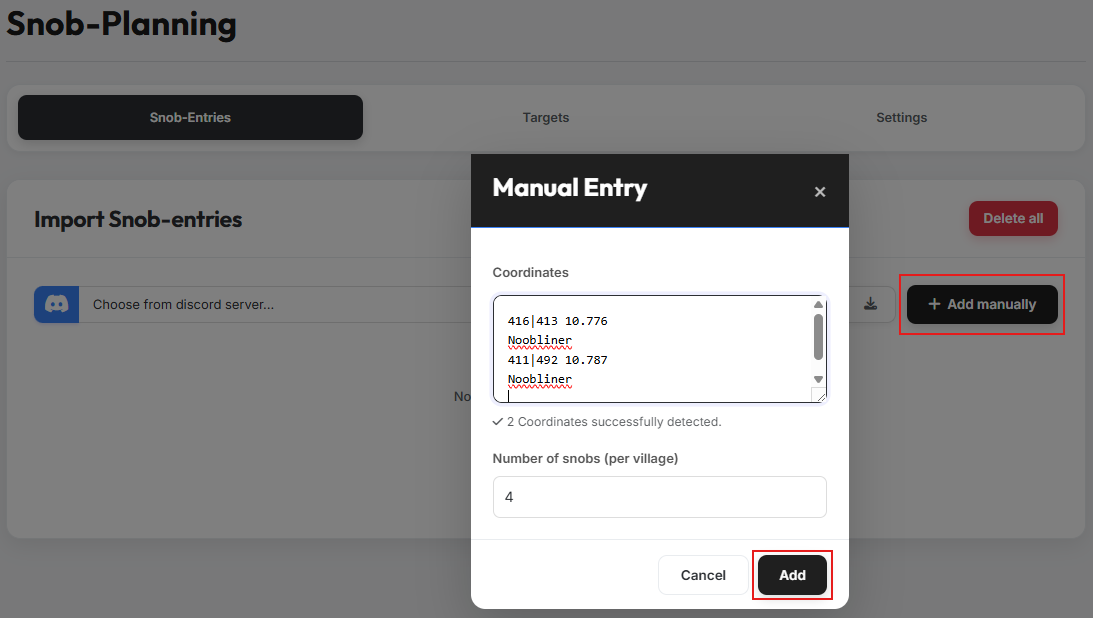
Clicking the button for manual entries opens a modal. Paste the coordinates of the source villages here — any additional text around them does not affect the coordinate detection. Then enter the number of noblemen per village and confirm your selection.
Repeated imports
You can run the import multiple times in a row. If the same coordinate is imported again, the noblemen count from the most recent import takes precedence.
3. Overview of imported noblemen
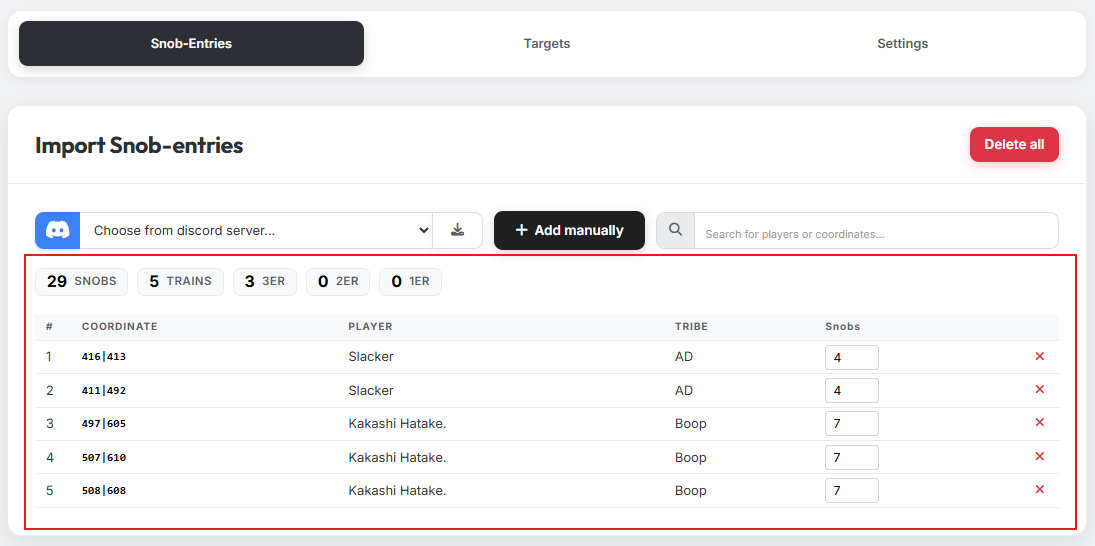
After the import, all noblemen are listed in a clear overview table. You can also adjust the number of noblemen per coordinate here after the import.