Tab 3: Settings
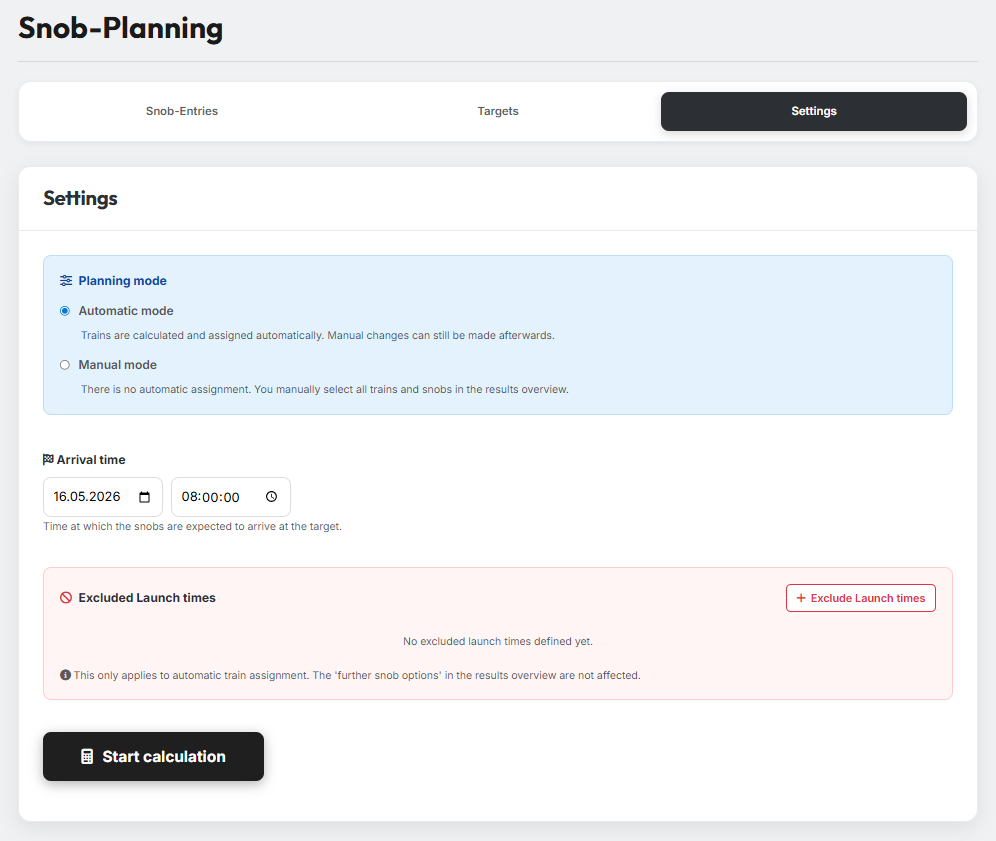
In Tab 3 you define how the planner should work and when your noblemen are expected to arrive at their targets.
1. Planning mode
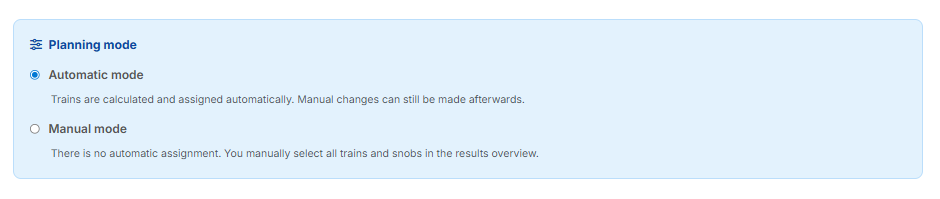
The planning mode controls whether noblemen are assigned automatically or manually:
- Automatic mode — Trains and noblemen are calculated and assigned automatically. Manual changes are still possible afterwards.
- Manual mode — No automatic assignment takes place. You pick all trains and noblemen yourself from the results overview.
2. Arrival time & launch times
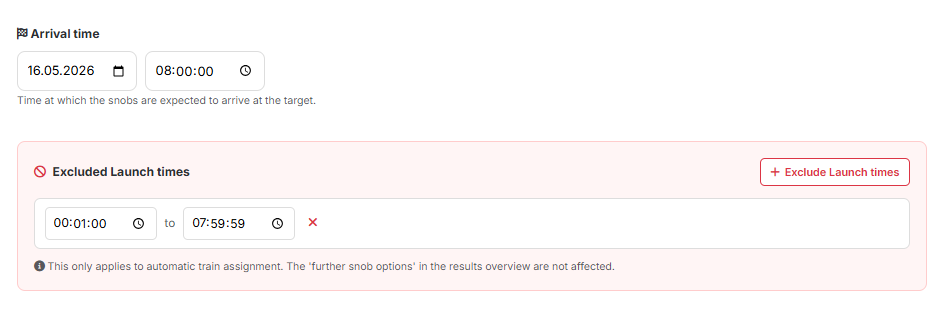
In the Arrival time field you set the date and time at which the noblemen should arrive at the target. From this, the planner automatically calculates the matching launch times for the individual trains.
Via "Exclude launch times" you can additionally define one or more time windows in which no noblemen should be launched — for example at night or during your working hours. The planner takes these blocked windows into account in its calculation.
Only applies to automatic train assignment
Excluded launch times only affect the automatic train assignment. The "further snob options" in the results overview are not affected.
3. Start the calculation
Clicking the "Start calculation" button runs the planner. You can find the results in Tab 4 afterwards.